





Watermarks have a way of sneaking into everyday traveling video work. Any clip on the internet may have a problematic logo that you might want to remove. That is when people start looking for ways to remove watermarks from videos without turning the footage into a blurred mess. The same situation comes up when trying to remove TikTok watermarks before reposting original clips across different platforms. In the past, this meant frame-by-frame retouching or awkward cropping. Neither option looked good.
AI-based watermark removers changed that workflow. Instead of guessing, these tools track motion, edges, and textures across frames, then rebuild what was covered. The result is not perfect every time, but it is good enough that many of these videos can now be used in real marketing, social, and in-store projects.
Vmake AI Video Watermark Remover
Vmake is a user-friendly video editing platform that comes with lots of editing features such as video watermark removal, video enhancement, auto caption generator or ai video generator, and more. It is also an AI video agent that lets you create consistent brand videos just by entering your prompts. Suitable for both beginners and professionals.
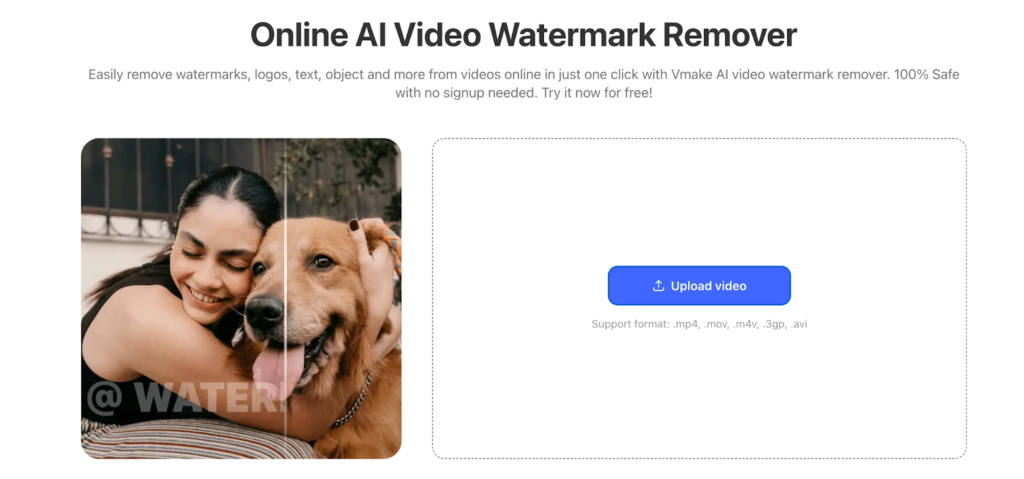
When a logo or overlay is removed, the system fills the space by studying surrounding pixels and how they move across frames. This prevents the jitter and blur seen in simpler tools. Once a clip is clean, it can be resized, recolored, or styled using the brand colors and fonts stored in the project, which saves time for people producing marketing or store content on a regular basis.
Key features
- AI-based video watermark and text detection
- Built-in video editor and generator
- Brand-aware styling tools
- Supports social, product, and in-store formats
Pros
- Useful for ongoing marketing workflows
- Keeps visuals consistent
Cons
- More than needed for a single short clip
- Advanced tools are part of paid plans
HitPaw Watermark Remover
HitPaw is more hands-on. It runs as desktop software and lets users draw over the area that needs to disappear. The AI then tracks that zone through the entire video and rebuilds it as frames change. This approach works well when the watermark overlaps faces, moving objects, or textured backgrounds.
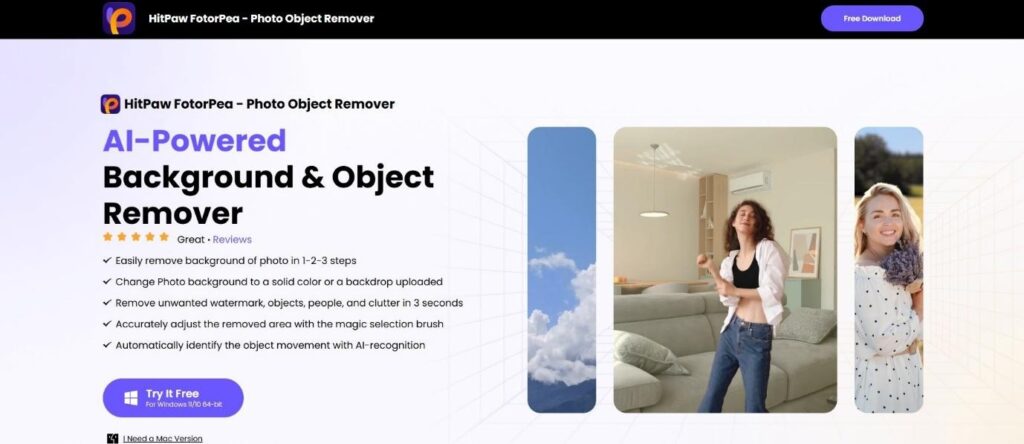
Since the processing happens locally, large files stay on the computer instead of being uploaded. That makes it popular with editors dealing with long tutorials, interviews, or recordings pulled from older archives.
Key features
- Manual and automatic watermark selection
- Motion tracking across frames
- Supports HD and 4K output
Pros
- Strong control for tricky removals
- No cloud upload required
- Works with long videos
Cons
- Slower on less powerful machines
- Interface takes some learning
Media.io Video Watermark Remover
Media.io keeps things simple and runs without needing installation, just like X-Design. The Media.io tool is centered on quick cleanups rather than detailed restoration. After uploading a clip, a selection box marks the watermark are,a and the AI processes the frames in the background.
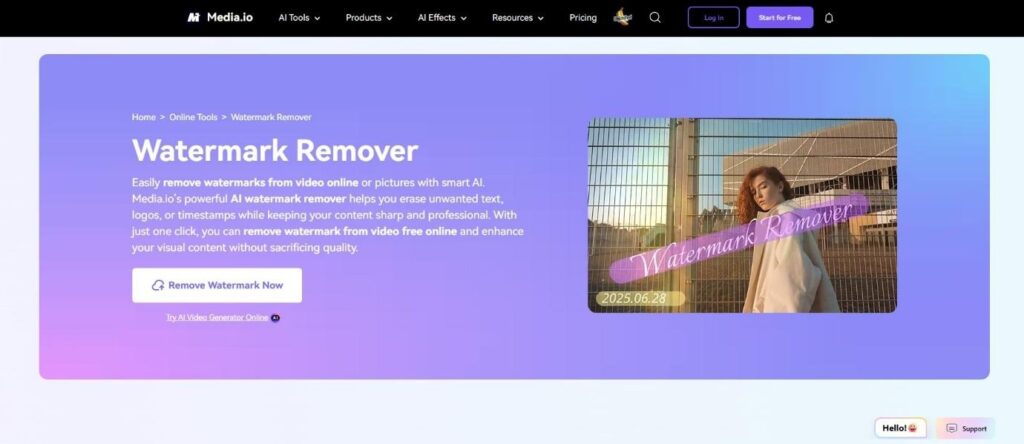
This setup is ideal for small logos or static text in the corner of short videos. The results are usually good enough for social posts or web embeds without much extra work.
Key features
- Browser-based, no install
- Simple region selection
- Cloud rendering
Pros
- Very easy to use
- Works on any device
- Fast for short clips
Cons
- Struggles with complex motion
- Free exports have limits
Apowersoft Watermark Remover
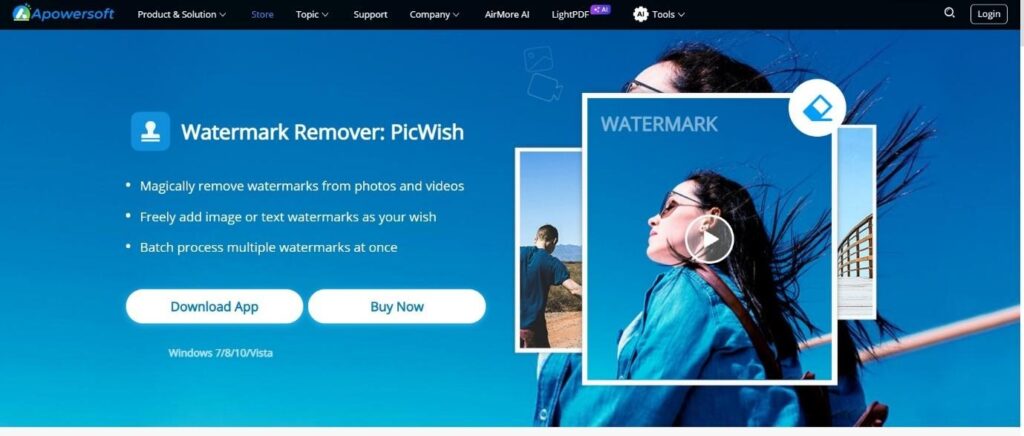
Apowersoft has been around for years in the screen capture and editing space. Its watermark remover supports both images and videos, with the desktop version offering the most control. The tool’s major strength is batch processing that allows you to edit multiple clips at once. Users mark the area to be removed, and the AI tracks it across frames while filling in the background. The tool is steady and predictable, which matters when processing a large set of files.
Key features
- Batch video processing
- Adjustable selection tools
- Supports image and video cleanup
Pros
- Good for handling many files
- Stable performance
- Straightforward workflow
Cons
- Desktop install required
- Free tier has export limits
Kapwing
Kapwing is already used by many social teams for captions, trimming, and quick edits. Its watermark eraser is part of that same editor. Instead of switching between tools, users can clean a clip and then continue working on it right away.
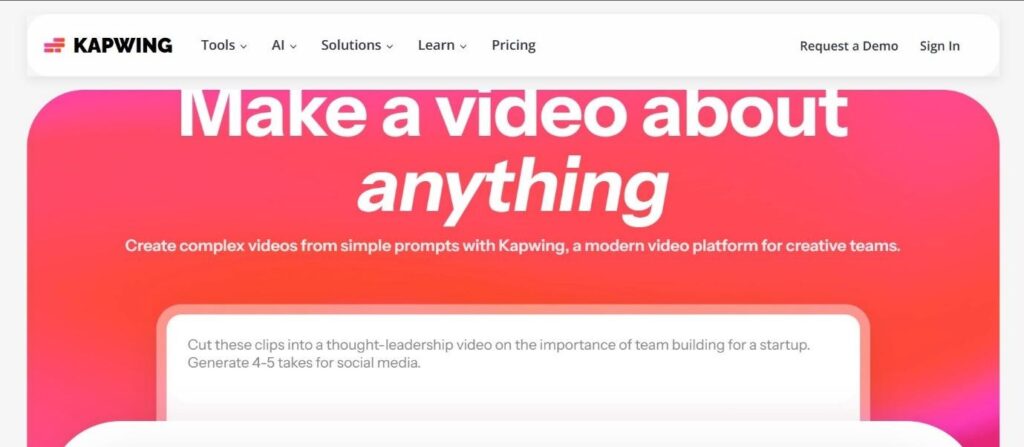
The eraser uses AI to remove text and logos while keeping background motion intact. It is well-suited for social videos that need light cleanup before being reposted or shared elsewhere.
Key features
- AI eraser built into the editor
- Timeline-based editing
- Cloud storage and sharing
Pros
- Removal and editing in one place
- Good for social media workflows
- No local software needed
Cons
- Processing depends on the internet speed
- Some exports need a subscription
Real-world Use Cases
Different tools make sense for different types of projects. The table below shows how they tend to fit into everyday work.
| Use case | X-Design | HitPaw | Media.io | Apowersoft | Kapwing |
| Social media reposts | Strong fit for branded content | Good | Good | Fair | Strong |
| Long tutorials or interviews | Fair | Strong | Weak | Fair | Weak |
| In-store or product videos | Strong | Fair | Weak | Fair | Weak |
| Batch processing many clips | Fair | Weak | Weak | Strong | Weak |
| Quick one-off cleanup | Fair | Fair | Strong | Fair | Strong |
| Brand-consistent marketing videos | Strong | Weak | Weak | Weak | Fair |
How AI Makes Watermark Removal Look Natural
Older software relied on blur or cloning. That left visible patches and made motion look wrong. Modern AI systems study how pixels move over time. They predict what should exist behind a watermark and rebuild that area frame by frame.
This is why a hand moving across a removed logo no longer leaves a ghostly smear. The software follows edges, shadows, and textures, then applies them consistently as the video plays.
Choosing the Right Tool
For short social clips, web-based tools like Media.io or Kapwing get the job done quickly. For long videos or complex overlays, desktop software such as HitPaw or Apowersoft offers better control. X-Design fits businesses and creators producing branded video on a regular basis since cleanup, styling, and publishing all happen in one place.
Free versions work for testing or light use. Paid plans matter when higher resolution, longer videos, or repeated projects become part of daily work.
