
Before You Land: How to Set Up Your Phone for a U.S. Trip
By
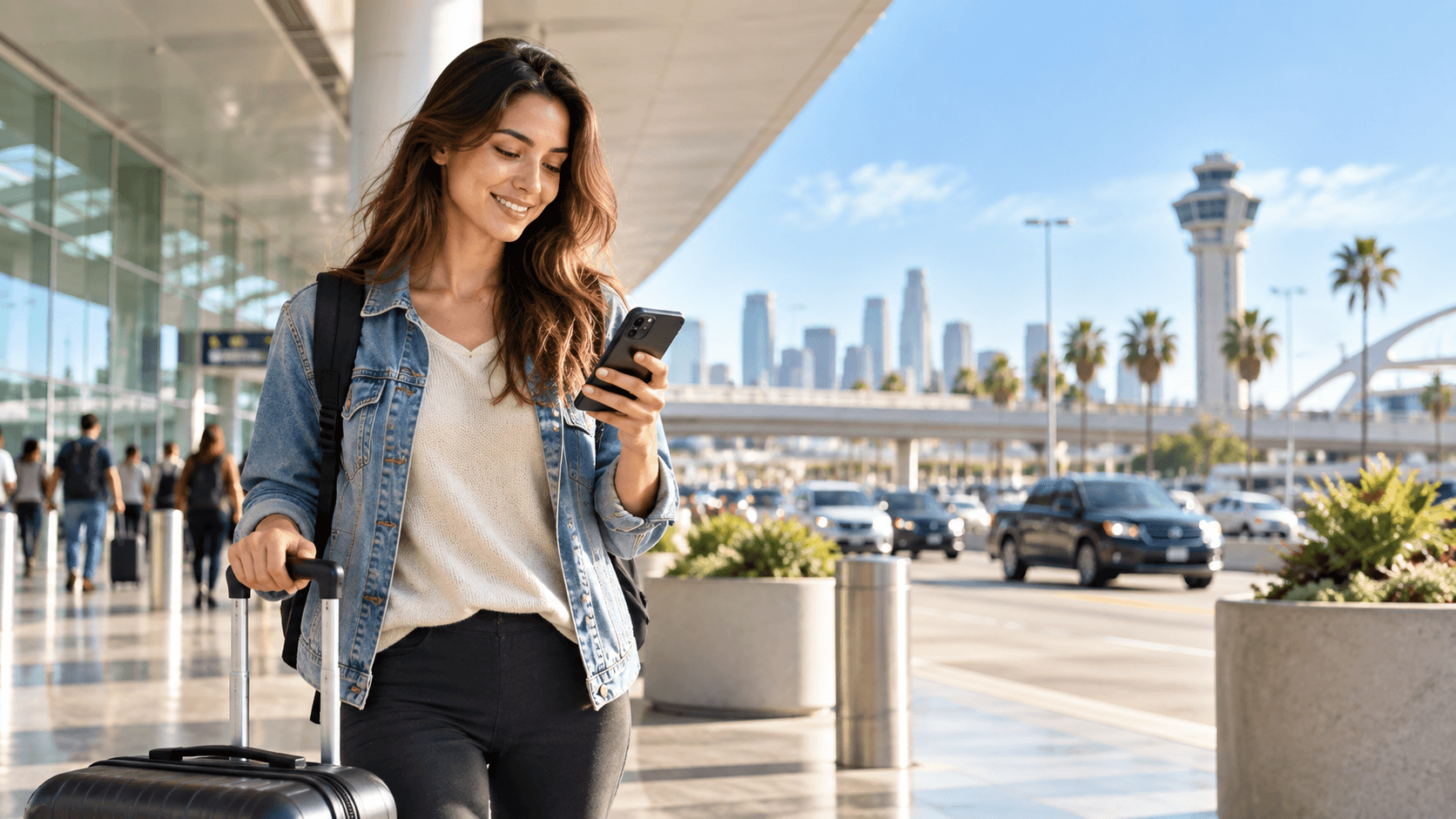
A trip to the United States can involve a lot more phone use than you expect. You may need directions before you have even left the airport, a rideshare app to reach your hotel, a boarding pass for a domestic connection, restaurant reservations, parking information, train schedules, or a message from your accommodation with updated check-in instructions.
That makes mobile connectivity worth sorting out before the trip rather than leaving it until arrival.
The best setup is not necessarily the plan with the most data or the one advertised as “unlimited.” It is the one that matches the way you will actually travel. Someone spending four days in Manhattan will use their phone very differently from someone driving between national parks or taking a three-week trip across several states.
A little preparation before departure can save a surprising amount of hassle later.
Start With the Trip, Not the Mobile Plan
Before comparing roaming, SIM cards, or eSIMs, look at your itinerary.
If you are staying in one city and expect to use hotel Wi-Fi every evening, your mobile-data needs may be fairly modest. Maps, ride-hailing apps, messaging, email, and restaurant searches do not usually require the same amount of data as video streaming, hotspot use, or remote work.
A longer trip is different. Road travel in particular can make mobile data more important because you are more likely to use navigation throughout the day, search for fuel or food while moving, and make accommodation changes from the road.
It also helps to think about whether the United States is your only destination. If your trip continues into Canada, Mexico, Europe, or somewhere else, a broader Twise travel eSIM or another regional or multi-country option may make more sense than arranging completely separate connectivity for every stage of the journey.
The itinerary should decide the plan, not the other way around.
Know Your Options Before You Arrive
International visitors generally have three straightforward ways to keep their phones connected in the United States.
Your home carrier may offer an international roaming package. This is often the simplest option because you keep using your existing line, although pricing and data allowances vary significantly between carriers.
A physical prepaid SIM is another possibility. This can work well for longer stays, but it usually means finding a suitable retailer after arrival and replacing or adding a physical SIM to the phone.
The third option is an eSIM, which allows a compatible device to add another mobile plan digitally. This is useful for travelers who want to keep their regular SIM installed while using a separate connection for the trip.
Whichever route you choose, check device compatibility before paying. A phone may support eSIM technology but still be carrier-locked, and that can prevent another plan from working as expected.
A U.S.-Specific Plan Makes Sense for a U.S.-Only Trip
If the entire trip takes place in the United States, there is often little reason to pay for broader regional coverage you will never use.
Travelers can compare a dedicated USA eSIM based on trip length, data allowance, network information, hotspot requirements, and whether the plan is data-only or includes other mobile services.
Do not compare plans by gigabytes alone. Network coverage matters just as much, particularly if the trip includes rural areas, long drives, mountain regions, or national parks.
A plan that performs well in a major city may not provide the same experience everywhere else. No mobile service guarantees continuous reception across every part of the country, so offline preparation remains useful even when you have plenty of data.
Download Maps Before a Road Trip
The United States is large enough that travelers can spend hours moving between destinations, and coverage can become less predictable once you leave major urban areas.
Before a long drive, download the relevant map region for offline use. Google Maps and other navigation apps allow you to save areas in advance, which means the basic route remains available even if mobile reception temporarily disappears.
Save your hotel address as well, especially if you are arriving late or driving somewhere remote.
If there is a particular trailhead, national park entrance, rental property, or meeting point you cannot afford to miss, take a screenshot or save the coordinates somewhere accessible offline.
Mobile data is helpful, but good travel planning means a weak signal should be inconvenient rather than disastrous.
Use Hotel Wi-Fi for the Heavy Stuff
A travel data allowance lasts much longer when large downloads are kept for Wi-Fi.
Before leaving the hotel in the morning, download entertainment, upload large photo backups, update apps, and take care of any other data-heavy tasks. Mobile data can then be reserved for things that genuinely need to happen while you are moving.
This matters even more if you are working during the trip. Video calls, cloud storage, large file transfers, and laptop tethering can consume data much faster than maps or messaging.
If you expect to use your phone as a hotspot, check whether tethering is supported by the plan before purchasing it. It is better to know this before an important work call than to discover the restriction when the hotel Wi-Fi fails.
Check Which SIM Is Actually Using Data
Dual-SIM phones are convenient for travel, but they can also create an expensive mistake.
If you keep your home SIM active while using a travel eSIM, check which line the phone has selected for mobile data. Depending on the device, settings may also allow automatic switching between lines.
That can be useful at home but less desirable abroad if it allows the phone to fall back onto expensive international roaming.
Before departure, learn where the cellular settings are located on your phone. Make sure you understand which SIM handles data, which one receives calls and messages, and whether roaming needs to be enabled for the travel plan.
The exact configuration varies between devices and mobile plans, so follow the instructions supplied with the product you purchase.
Do Not Assume Every eSIM Includes a Phone Number
The word eSIM describes how a mobile plan is installed, not necessarily what the plan includes.
Many travel eSIMs are data-only. They provide internet access for maps, messaging, email, ride-hailing apps, social media, and internet calls, but they may not provide a U.S. telephone number, ordinary voice calls, or SMS.
For a short trip, that may not matter at all. Many hotels, friends, guides, and businesses can be reached through internet-based services.
Other travelers have different needs. Someone staying for several months, traveling for business, renting accommodation long-term, or dealing regularly with local businesses may prefer a plan that includes traditional cellular services.
Read the plan details carefully rather than assuming that all U.S. eSIMs work like a standard domestic phone contract.
Keep Important Travel Information Offline
There is a tendency to store everything inside an app now, which works well until the app does not load.
Keep offline copies of the information you would need if your connection disappeared for an hour. Useful items include boarding passes, accommodation addresses, car-rental details, important phone numbers, and confirmation numbers for major bookings.
If you have eSIM installation or troubleshooting instructions, save those too.
It is also worth keeping essential information on more than one device when traveling with a partner or family. If one phone is lost, damaged, or out of battery, the entire trip should not lose access to the hotel reservation with it.
Public Wi-Fi Is Useful, but It Should Not Be the Plan
Airports, hotels, cafés, and restaurants across the United States frequently provide Wi-Fi. It is helpful for downloads and can reduce mobile-data use, but relying on public Wi-Fi for the entire trip quickly becomes inconvenient.
You may need directions between Wi-Fi networks. A driver may message while you are outside. A flight may change while you are already traveling to the airport.
There is also the simple annoyance of repeatedly joining networks, opening login pages, and accepting terms before doing something that should have taken ten seconds.
Use Wi-Fi when it is convenient rather than designing the trip around finding it.
Bring Enough Power for a Full Travel Day
A phone doing navigation, photography, cellular data, messaging, and ticket scanning can use considerably more battery than it would during an ordinary day at home.
This is especially noticeable on road trips and sightseeing days when maps remain active for long periods.
A compact power bank is one of the easiest things to add to a day bag, and it can prevent the strange modern travel problem of having mobile service, a hotel reservation, a digital boarding pass, and directions home—all sitting inside a phone with a dead battery.
For rental-car trips, pack the appropriate car charger as well.
Set Everything Up Before the Travel Day
The best time to understand a new mobile setup is not five minutes after an overnight flight.
Before departure, confirm that the phone is unlocked and compatible, read the installation instructions, understand when the plan activates, and save anything you might need offline.
Some eSIMs can be installed in advance, while others have specific installation or activation rules. Follow the instructions for the exact plan rather than assuming they all behave the same way.
It is also worth testing the basic phone settings while you still have reliable internet and time to solve a problem.
Once you arrive, connectivity should be one of the boring parts of the trip.
That is a good thing.
Final Thoughts
Staying connected in the United States is less about finding the biggest data package and more about matching mobile service to the trip you have planned.
A city break, cross-country road trip, business visit, and month-long stay can all create different requirements. Think about where you are going, how heavily you use mobile data, whether you need hotspot access or a phone number, and how much of the trip will happen away from reliable Wi-Fi.
Then prepare a backup for the moments when coverage is imperfect.
Download maps, save the important addresses, carry a power bank, and know which SIM is using data. Once those basics are handled, your phone can go back to doing what it is supposed to do while you travel: helping when you need it and staying out of the way when you do not.